Your work, posted.
Drop in today’s photos. Coco asks each client before her photo goes up, writes captions in your voice, applies your brand kit and posts at your followers’ busiest hour. Blogs and Google updates too, all from your real work.
Photos in, posts out.
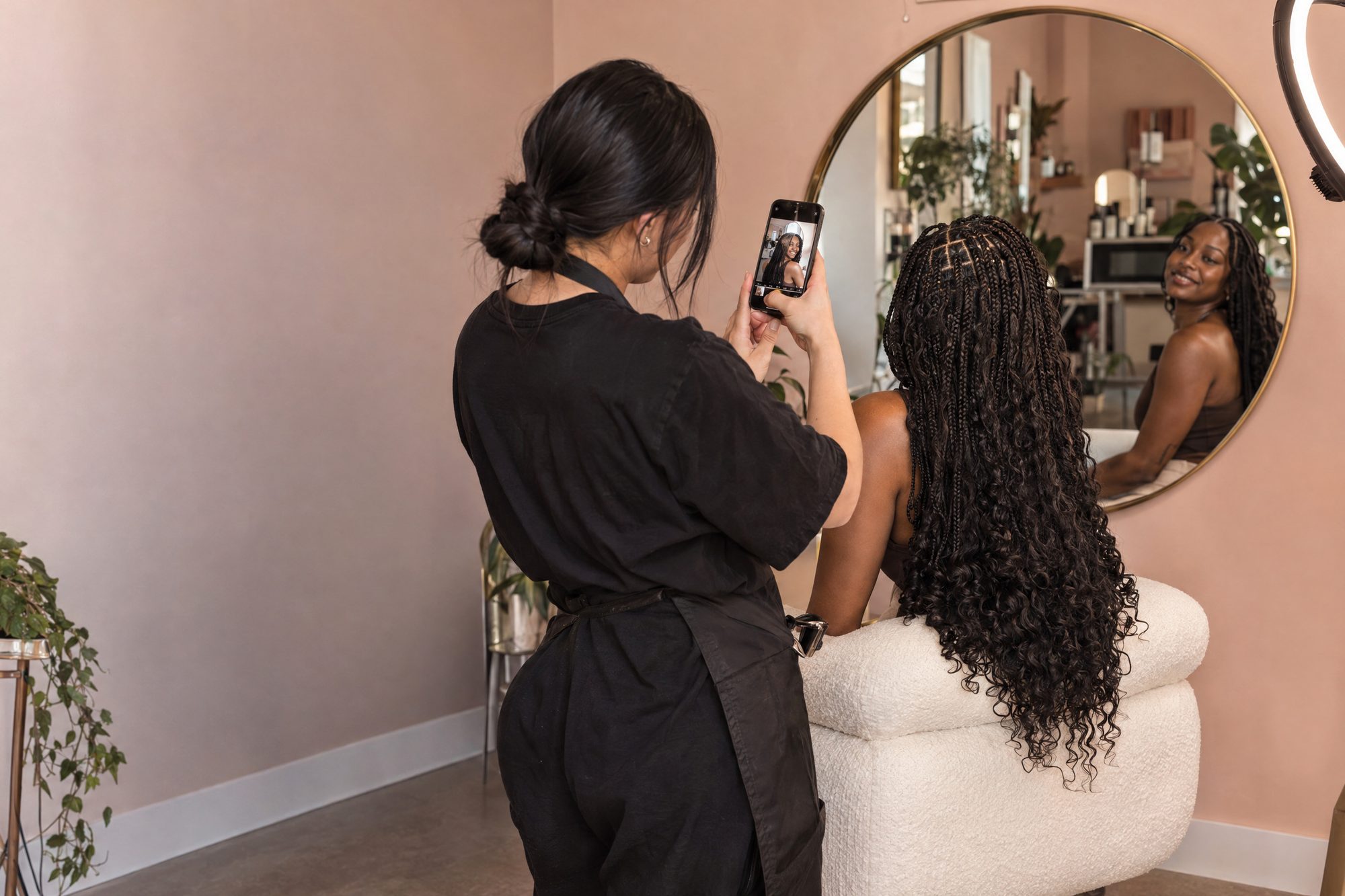
From the photo you took after Simone’s braids to a scheduled post.
A brand kit that finds itself.
Coco finds your logo on your website and Google, asks you to confirm it, and builds your colors, fonts and voice from what you already post. No logo? She sets your name in a clean style until you have one.
“Is this your logo?”
Every logo found, with where it came from and how sharp it is. Coco flags things that aren’t logos, like a profile photo.
A rough photo is fine
Snap your business card. Coco removes the background and shows you the before and after.
Your name, styled cleanly
Classic, modern or bold. Clearly a name in a nice font, replaceable the day you get a real logo.
Colors, fonts, voice, templates
Every post is made from this kit. Templates are shown filled with your real work, not stock photos.
One photo, five places.
The details.
Photo matching
Knows which photos go with which appointment.
Consent built in
Asked in the client’s own channel, with a no-face option.
Your brand kit
Logo, colors, fonts and voice, made inside SalonSquad.
Best-time posting
Learned from when your followers actually engage.
SEO blog posts
Topics from real local searches, checked against your prices.
Bookings, not likes
Results measured by bookings matched in Square.
What it can do, and what it can’t yet.
Platforms have rules. We follow them and tell you plainly where the edges are.
Published directly once you approve, or automatically if you allow it.
Direct posting is waiting on TikTok’s app review. Until then, Coco prepares the video and caption and you share in one tap.
Squarespace has no publishing API, so Coco gives you a copy-ready post. WordPress and Wix publish directly.
Do I need Canva?
What if a client says no?
Can I post without approving?
Will it use stock photos?
The rest of the squad.
Every review, handled.
Good reviews answered in your voice. Hard ones come to you with the facts and a calm draft.
ReviewsNumbers you can trust.
A Monday recap of what your squad booked, verified in Square. Research when you need an answer.
InsightsEvery message, answered.
Instagram, Facebook, WhatsApp, website chat and texts answered in your voice, day and night.
MessagesPut Coco to work.
Start your 14-day free trial. Everything starts as a draft for your OK.
14-day free trial · No contract · Live in one sitting